Construction
Internal Tool
8 weeks
Operations Dashboard Reduces Invoice Delays by 60%
Regional Construction Company
Executive Summary
A growing construction firm was drowning in spreadsheets and struggling to track project costs. We built a centralized operations dashboard that eliminated manual tracking and provided real-time financial visibility.
Results
60% faster
Invoice Processing Time
Reduced from 5 days to 2 days average
85% reduction
Manual Data Entry
Automated data flow eliminated duplicate entry
Real-time
Project Visibility
Instant access to costs, timeline, and profitability
$30K/month
Cash Flow Improvement
Faster invoicing improved cash position
Invoice Processing Time
Before
Before
Manual
After
60% faster
Reduced from 5 days to 2 days average
See full results in this case study
The Problem
The company managed 15+ concurrent projects using separate Excel files for each. Project managers spent hours each week updating spreadsheets, and the finance team had no real-time visibility into labor costs, materials, or invoicing status. Invoice delays were costing the company $30K+ monthly in cash flow issues.
Project Constraints
- Must integrate with existing QuickBooks data without migrating
- Leadership team unfamiliar with complex software—interface must be intuitive
- 8-week deadline to support year-end planning cycle
- Budget: $28,000
- Mobile access required for on-site project managers
The Approach
We started with a 3-day discovery phase interviewing the operations manager, project managers, and CFO to understand their decision-making workflows. Rather than building a generic reporting tool, we identified the 5 critical questions leadership asked daily and designed the dashboard around those specific needs. We built a clickable prototype in week 1 and refined based on feedback before writing production code.
The Solution
We built a custom operations dashboard that consolidated project tracking, time entry, material costs, and invoicing into one system. Project managers could update their data on-site via mobile, and the finance team got real-time reports. The system integrated with their existing QuickBooks for seamless invoicing.
Technical Architecture
Next.js frontend with server-side rendering for fast initial loads, PostgreSQL for aggregated metrics and dashboard configurations, QuickBooks API integration via scheduled sync jobs (every 30 minutes during business hours), Vercel deployment with automatic previews for stakeholder review. Read-only architecture ensured QuickBooks remained source of truth while enabling fast dashboard performance.
Stack & Integrations
Next.js
PostgreSQL
QuickBooks API
Vercel
Timeline
8 weeks
Implementation Highlights
- 5 core constraints addressed without scope creep
- 4+ technologies integrated
- Delivered in 8 weeks
- Primary performance outcome: 60% faster
Before vs After
From Manual to Automated
Manual Process
- 1Export CSV reports from QuickBooks manually
- 2Copy data into Excel spreadsheets
- 3Calculate job profitability with formulas
- 4Email spreadsheet to stakeholders
- 5Schedule meetings to discuss findings
- 6Repeat process weekly or when projects changed
Automated System
- 1Open dashboard URL from any device
- 2View real-time project costs and profitability
- 3Drill down into specific jobs or cost categories
- 4Make data-driven decisions immediately
TransformationTime Saved · Errors Eliminated · Control Gained
Screenshots
Executive Dashboard
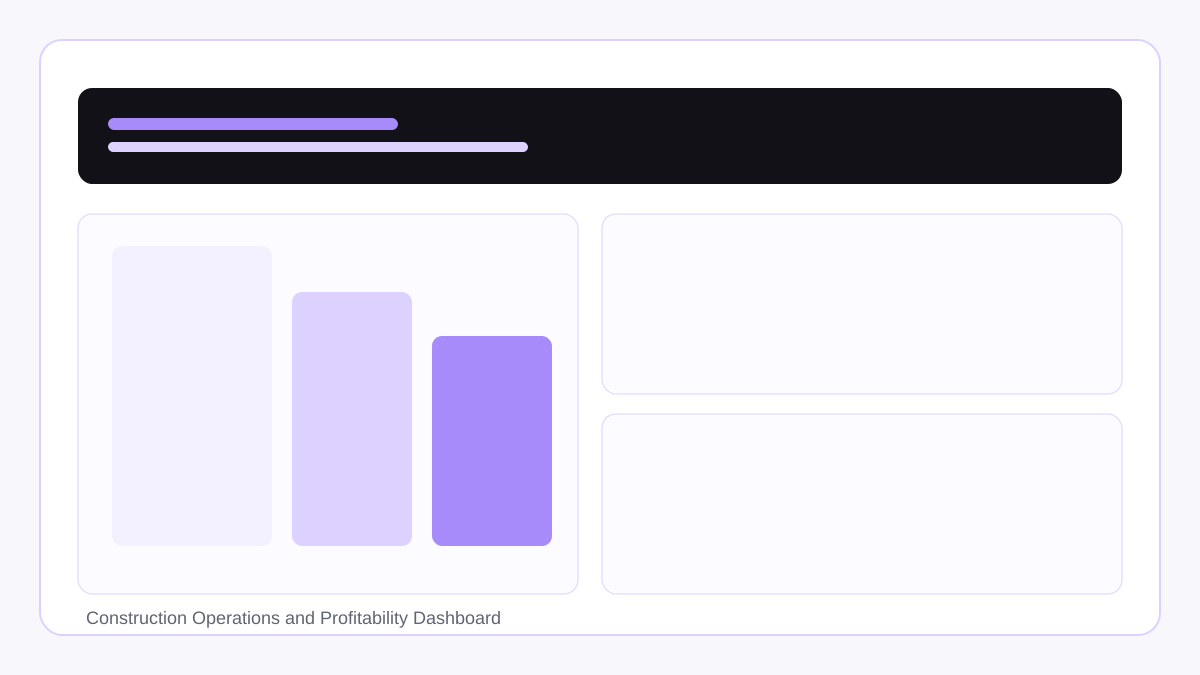
Leadership view with the 5 critical metrics they check daily
Project Detail View
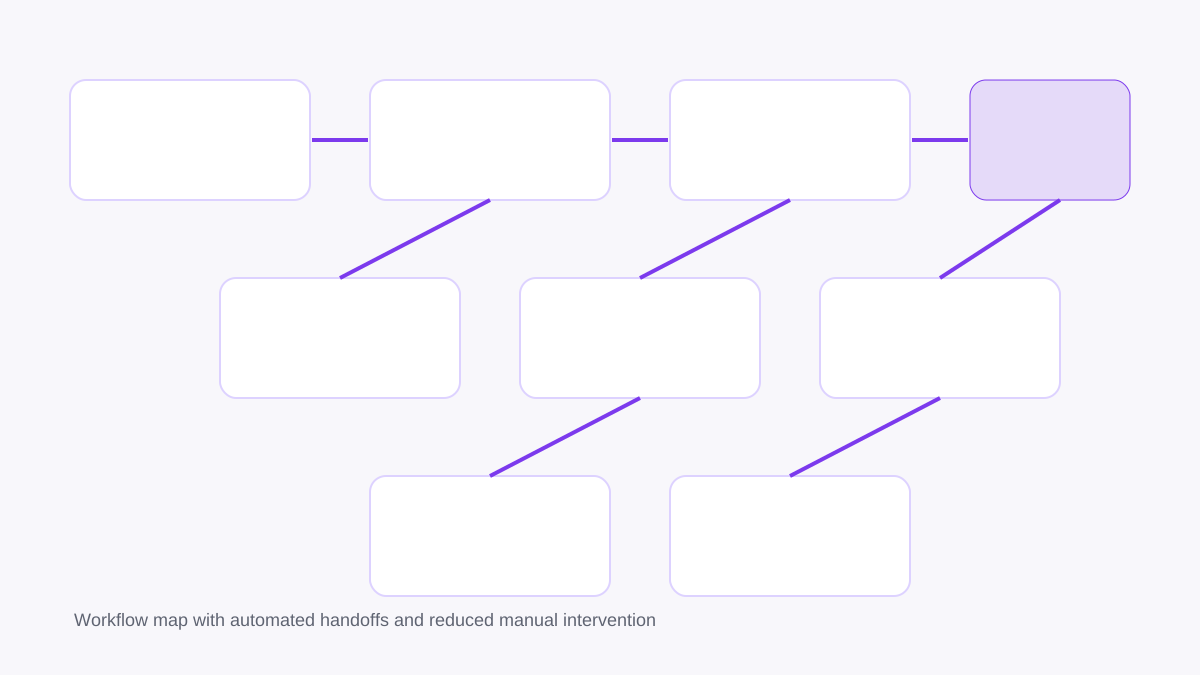
Drill-down view showing where money is being spent on each construction project
Cash Flow Projections
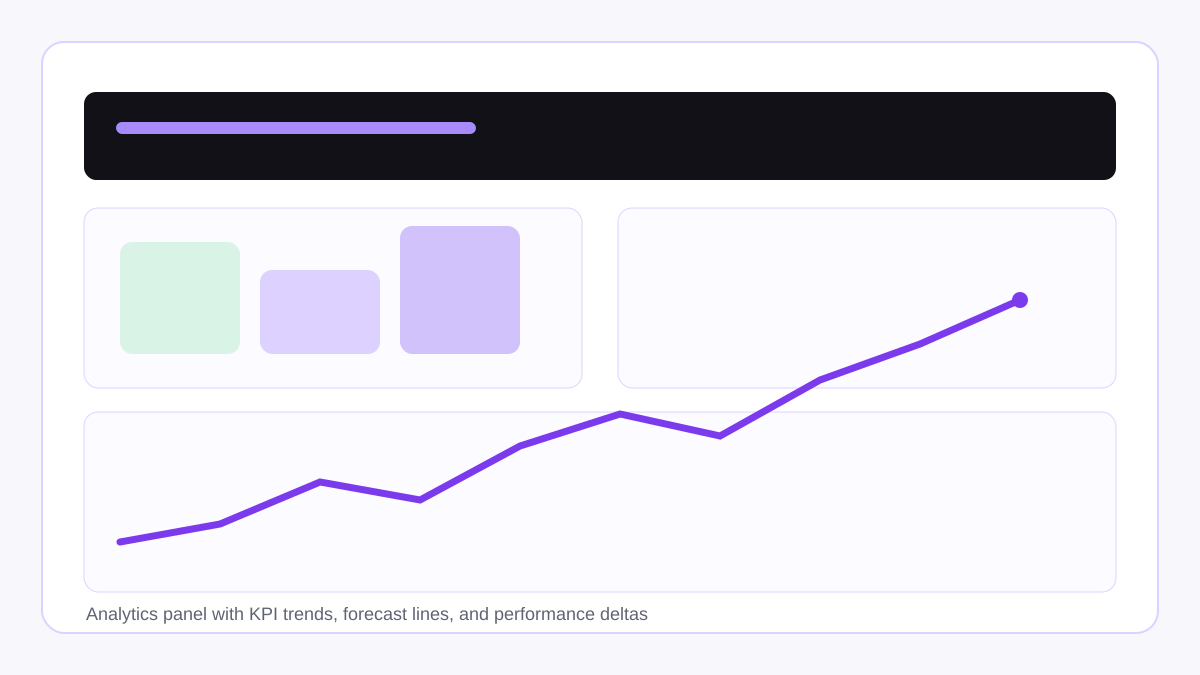
Helps CFO plan around upcoming expenses and expected payments
"
This dashboard changed how we run our business. We went from chasing spreadsheets to having complete visibility. Our cash flow improved immediately.
Michael Chen
Operations Manager
More Success Stories
See how we've helped other businesses eliminate operational bottlenecks
Energy Management
SaaS Platform Generates $50K+ ARR in Year One
An innovative energy services company needed a custom SaaS platform to track and manage field operations across multiple client sites. We built SheetsTracker, a multi-tenant platform that now serves 15+ clients and processes 10,000+ data points monthly.
$50K+ ARR
80% faster
Logistics & Warehousing
Maintenance Portal Cuts Response Time by 70%
A warehouse operator was managing equipment maintenance through email and phone calls, leading to slow response times and poor accountability. We built a maintenance request portal with automated routing and KPI tracking.
70% faster
Zero
Framework
Want to Calculate Your Own Automation ROI?
Learn our proven framework for identifying, prioritizing, and implementing high-ROI automation opportunities with our complete 6,000-word guide.
Start Your Project Today
Let's discuss how we can deliver similar results for your business. Schedule a Strategy Session to explore possibilities.