Distribution & Logistics
Analytics Dashboard
10 weeks
Distribution Analytics Cut Carrying Costs $320K
Coastal Distribution Group
Executive Summary
A growing electrical distribution company was carrying too much slow-moving inventory while frequently running out of high-demand items. We built a custom analytics platform that optimized reorder points and improved inventory turns by 40%.
Results
$320K/year
Carrying Cost Savings
Reduction in dead stock and excess inventory
40% improvement
Inventory Turns
From 4.2x to 5.9x annual turns
72% reduction
Stockout Rate
High-demand items now consistently in stock
$45K/year saved
Emergency Order Fees
Fewer expedited shipments needed
Carrying Cost Savings
Before
Before
Manual
After
$320K/year
Reduction in dead stock and excess inventory
See full results in this case study
The Problem
Purchasing decisions were based on gut feel and historical Excel reports. The team had no visibility into demand trends, seasonal patterns, or vendor lead time variability. Dead stock was tying up $500K+ in capital while stockouts were costing sales.
Project Constraints
- Budget: $35K
- Timeline: 10 weeks to deliver insights for quarterly purchasing cycle
- Data sources: QuickBooks for sales, spreadsheets for vendor lead times
- Team: purchasing manager not data-literate, needed simple dashboards
- Scale: 8,000+ SKUs across 3 warehouses
The Approach
We started by extracting 2 years of sales history from QuickBooks and overlaying it with inventory snapshots to identify the worst offenders—SKUs with high carrying cost and low turns, or high stockout frequency. Built MVP dashboard in week 6 to validate insights with purchasing team. Iterative refinement based on their feedback led to the final recommended reorder points and safety stock levels.
The Solution
A custom analytics dashboard showing demand forecasts, recommended reorder points, and ABC classification of inventory. Automated alerts when stock levels hit reorder points. Scenario planning tools to model different safety stock levels and their impact on carrying cost vs. stockout risk. Integration with QuickBooks to pull real-time inventory levels and sales data.
Technical Architecture
Node.js ETL pipeline extracts sales/inventory data from QuickBooks API nightly. PostgreSQL stores historical snapshots for trend analysis. Python scripts calculate demand forecasts using exponential smoothing. Next.js dashboard with React charts for interactive exploration. Role-based access: purchasing sees recommendations, executives see financial impact.
Stack & Integrations
Next.js
PostgreSQL
Python
QuickBooks API
Node.js
Chart.js
Timeline
10 weeks
Implementation Highlights
- 5 core constraints addressed without scope creep
- 6+ technologies integrated
- Delivered in 10 weeks
- Primary performance outcome: $320K/year
Before vs After
From Manual to Automated
Manual Process
- 1Purchasing manager exports sales report from QuickBooks monthly
- 2Manually creates pivot table in Excel to identify trends
- 3Reorder decisions based on intuition and memory
- 4No systematic safety stock calculations
- 5Frequent emergency orders incur expedite fees
Automated System
- 1Dashboard auto-refreshes with latest sales data overnight
- 2Reorder point alerts sent to purchasing manager daily
- 3One-click export of recommended purchase orders
- 4Scenario planning validates safety stock levels quarterly
- 5Stockout rate drops while inventory investment declines
TransformationTime Saved · Errors Eliminated · Control Gained
Screenshots
Inventory Optimization Dashboard
Purchasing manager's daily view with actionable reorder alerts
ABC Analysis View
Identify which SKUs deserve attention and which to discontinue
Demand Forecast Trends
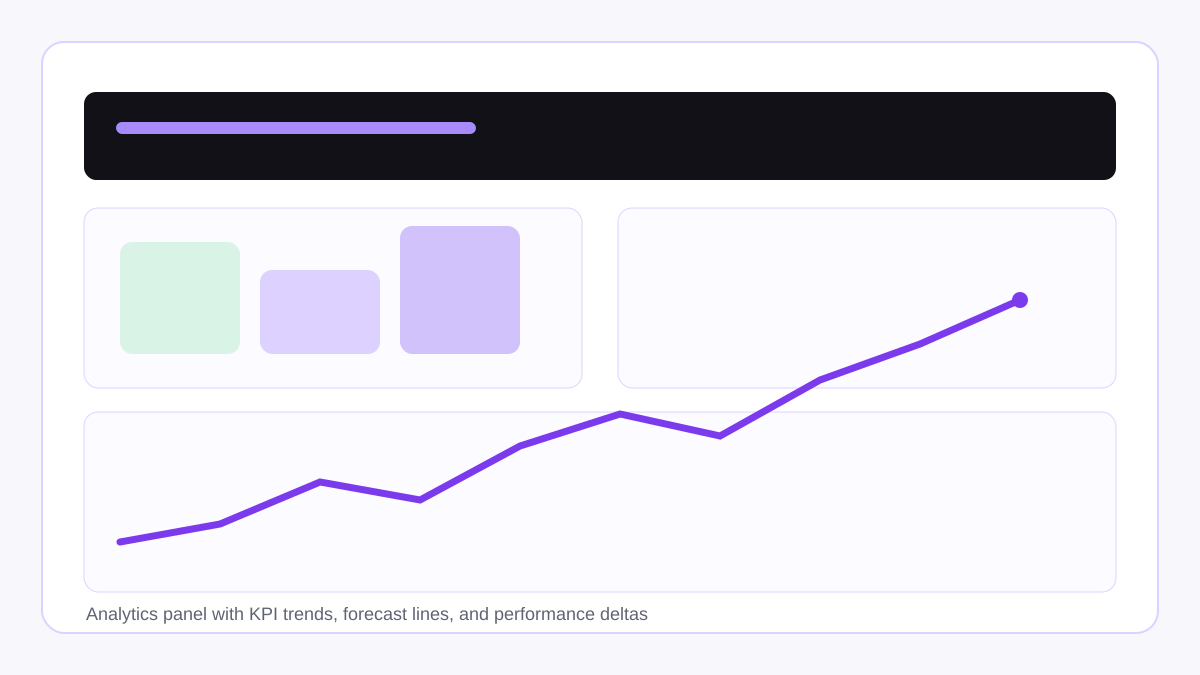
Spot seasonal patterns and adjust safety stock accordingly
"
This dashboard pays for itself every quarter. We're no longer guessing at reorder points, and our cash flow has improved significantly by cutting dead inventory.
Lisa Chen
VP of Finance
More Success Stories
See how we've helped other businesses eliminate operational bottlenecks
Energy Management
SaaS Platform Generates $50K+ ARR in Year One
An innovative energy services company needed a custom SaaS platform to track and manage field operations across multiple client sites. We built SheetsTracker, a multi-tenant platform that now serves 15+ clients and processes 10,000+ data points monthly.
$50K+ ARR
80% faster
Construction
Operations Dashboard Reduces Invoice Delays by 60%
A growing construction firm was drowning in spreadsheets and struggling to track project costs. We built a centralized operations dashboard that eliminated manual tracking and provided real-time financial visibility.
60% faster
85% reduction
Framework
Want to Calculate Your Own Automation ROI?
Learn our proven framework for identifying, prioritizing, and implementing high-ROI automation opportunities with our complete 6,000-word guide.
Start Your Project Today
Let's discuss how we can deliver similar results for your business. Schedule a Strategy Session to explore possibilities.